

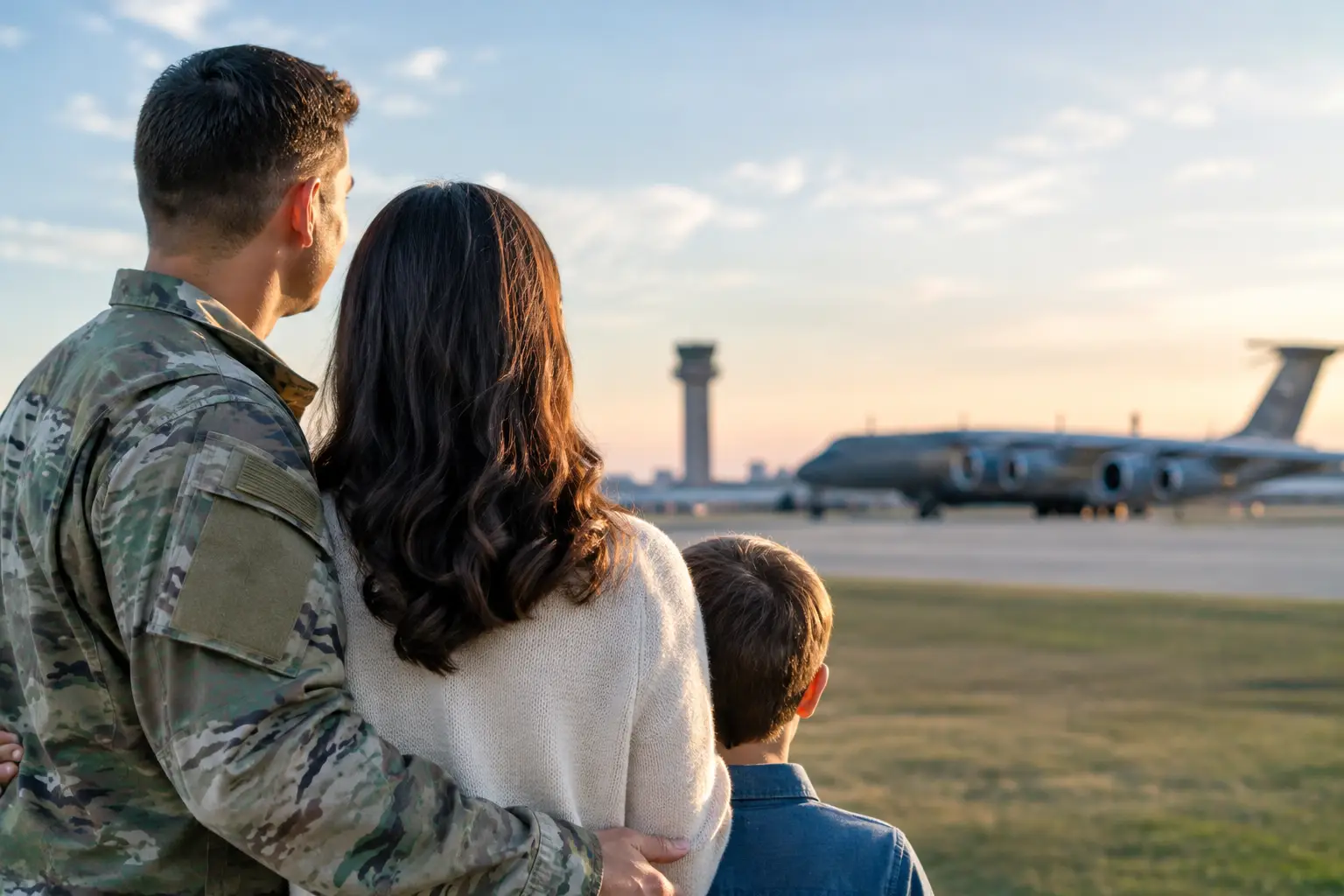
A delayed opening can change far more than a report time. For a JBSA household, it may affect a child’s school pickup, a medical appointment, gate traffic, a spouse’s work schedule, or a visiting family member’s travel plans. JBSA alerts are most useful when you know where to verify them, what they mean for your location, and what your family will do next.
Joint Base San Antonio covers a large area and several distinct communities, including Lackland AFB, Randolph AFB, and Fort Sam Houston. A notice that affects one location, gate, service, or event may not automatically answer every question for the entire installation. The best approach is to treat an alert as the start of your decision process, not the last piece of information you need.
Why JBSA Alerts Matter to Daily Life
Installation alerts can cover severe weather, gate changes, road conditions, delayed reporting, closures, safety concerns, exercises, and service interruptions. Some updates are time-sensitive and operational. Others are meant to help the community plan around changing conditions.
For service members, the chain of command remains the authority for duty-status questions. A public installation update may explain a delayed start or closure, but your unit can provide direction that applies to your mission, shift, or required reporting location. Civilian employees should also follow guidance from their supervisor or employer.
Families have a separate set of decisions to make. If weather affects morning travel, parents may need to confirm whether a school district, child development program, appointment office, or off-base workplace is operating on a normal schedule. Because these organizations may issue their own notices, one JBSA update should not be assumed to cover every service your family uses.
That distinction matters during a PCS. New arrivals may be staying in temporary lodging, driving unfamiliar routes, and working through in-processing appointments. A gate closure or traffic advisory can add a significant delay if you have not identified an alternate route or confirmed where you need to be.
Where to Verify JBSA Alerts
When conditions are changing, start with official installation communications and then move to the organization directly connected to your plans. Avoid relying on screenshots, group-chat messages, or posts that do not identify a source and time. They can be helpful signals that something is happening, but they are not confirmation.
Use these sources together when appropriate:
- Official JBSA installation announcements and verified installation social media accounts for broad base conditions, closures, gate information, and community notices.
- Your command, supervisor, or unit communication channels for reporting instructions, mission requirements, and work-specific decisions.
- The office hosting your appointment or event, especially for medical care, DEERS and ID card services, education offices, child care, and family programs.
- Your child’s school district, child care provider, and local employer for changes outside installation control.
- Local weather and public-safety authorities for road conditions, flooding, tornado warnings, and regional emergency information.
Check the timestamp before acting. An older post can remain visible long after conditions have changed, particularly during fast-moving Texas weather. If the notice is unclear, call the relevant office when phone lines are available rather than making a long trip based on an assumption.
Use the Most Specific Source
A general alert may say that certain base services are delayed, while a clinic could have a different check-in process or an individual gate could be closed. The more specific your question, the more specific your source should be.
For example, a family headed to Fort Sam Houston for an appointment should verify the installation notice, then confirm directly with the clinic. A Lackland graduation visitor should watch for event-specific instructions in addition to general weather or access updates. This extra step takes only a few minutes and can prevent an unnecessary missed appointment or stressful drive around unfamiliar gates.
Build a Family Alert Plan Before You Need It
The best time to decide who picks up the children during a weather delay is not after school has announced an early release. A simple household plan gives everyone a calmer starting point when notices begin arriving.
Start by identifying the places and routines most likely to be affected: your usual gate, work location, child care, school, medical providers, regular pharmacy, and any recurring appointments. Keep the phone numbers and official communication channels for those services in one easy-to-find place. If you are new to San Antonio, add the address and a second route for places you visit often.
Next, decide how your household will communicate. A spouse working in a secure area may not see a personal phone immediately. A teenager may be in class. A visiting grandparent may not know the difference between Lackland, Randolph, and Fort Sam Houston. Agree on a simple check-in plan, a designated pickup contact, and the information each person needs to share: where they are, whether they are safe, and what help they need.
Keep practical supplies in the vehicle, especially during seasons with heavy rain, extreme heat, or sudden cold snaps. Water, phone charging capability, essential medications, a paper copy of key contacts, and basic items for children can make a delay easier to manage. The right kit depends on your family, your commute, and whether you regularly travel between JBSA locations.
Know Your Gate and Backup Route
Gate changes are one of the most immediate ways an alert can disrupt a normal day. If your preferred entrance is closed or traffic is redirected, a short commute can become much longer. Learn at least one alternate gate before you need it, but remember that an alternate route may not be appropriate during every event.
Do not attempt to bypass barricades, drive around standing water, or make unsafe turns to save time. Follow posted directions and official instructions, even if mapping apps suggest a faster path. Installation access requirements and local road conditions can change faster than an app updates.
What to Do During a PCS or Temporary Stay
PCS season already creates a crowded calendar of lodging check-ins, housing appointments, vehicle issues, school enrollment, and paperwork. Add an alert, and it is easy to lose track of what can wait and what cannot.
If an update affects your move, contact the service provider or office connected to your next appointment. Ask whether the appointment is canceled, delayed, moved, or still expected to proceed. Keep a record of the name of the office, the time you called, and any new instructions. This is especially helpful when multiple family members are coordinating transportation, pets, household goods, or temporary lodging.
For newcomers, avoid making major decisions based only on a single disrupted day. A temporary gate closure or weather-related delay does not necessarily reflect normal commute patterns from a neighborhood. It is still useful information, but it should be weighed alongside housing location, school needs, budget, and your expected duty schedule.
JBSA On Demand can help households organize local relocation resources, but official installation channels remain the source for real-time operational notices. Keeping those roles clear helps you move through a PCS with more confidence.
Alerts for Lackland Graduation Visitors
Basic Military Training graduation visitors often arrive with a tight schedule and limited familiarity with the area. They may be managing flights, rental cars, hotel reservations, parking, and access procedures all at once. A weather advisory, gate change, or event update can feel especially high stakes when a family has traveled across the country.
Before leaving the hotel, confirm the current graduation instructions and installation access details through official channels. Allow extra travel time, bring required identification, and do not assume that a prior visitor’s experience will match your day. Event access, schedules, and procedures can change.
If conditions affect an event, resist the urge to rely on social media comments for a final answer. Look for the latest official notice and follow any instructions provided to visitors. Patience is part of the plan, particularly when safety and base security are involved.
When Information Is Incomplete
Not every alert will answer every question immediately. During an evolving situation, officials may share what is confirmed first and provide more details later. That can be frustrating, but it is better than acting on speculation.
If you need to make a near-term decision, focus on the facts you can verify: whether your route is open, whether your appointment office is operating, whether your child care provider is available, and whether your command has given instructions. Share verified updates with family members, but label uncertainty clearly instead of passing along a rumor as fact.
A prepared household does not need to predict every disruption. It needs a reliable way to check, communicate, and adjust. Save your key official sources now, talk through your backup plan with the people who depend on you, and you will be better positioned to handle the next JBSA alert with a clear head.


